How to get your usage data
You can export your usage from Synergy if you have a smart meter. Follow the steps below to download your CSV file.
Step 1 — Log in to your Synergy account
Go to synergy.net.au and log in to My Account.
Step 2 — Go to Usage → Interval Data
Navigate to the Usage section, then select Interval Data.

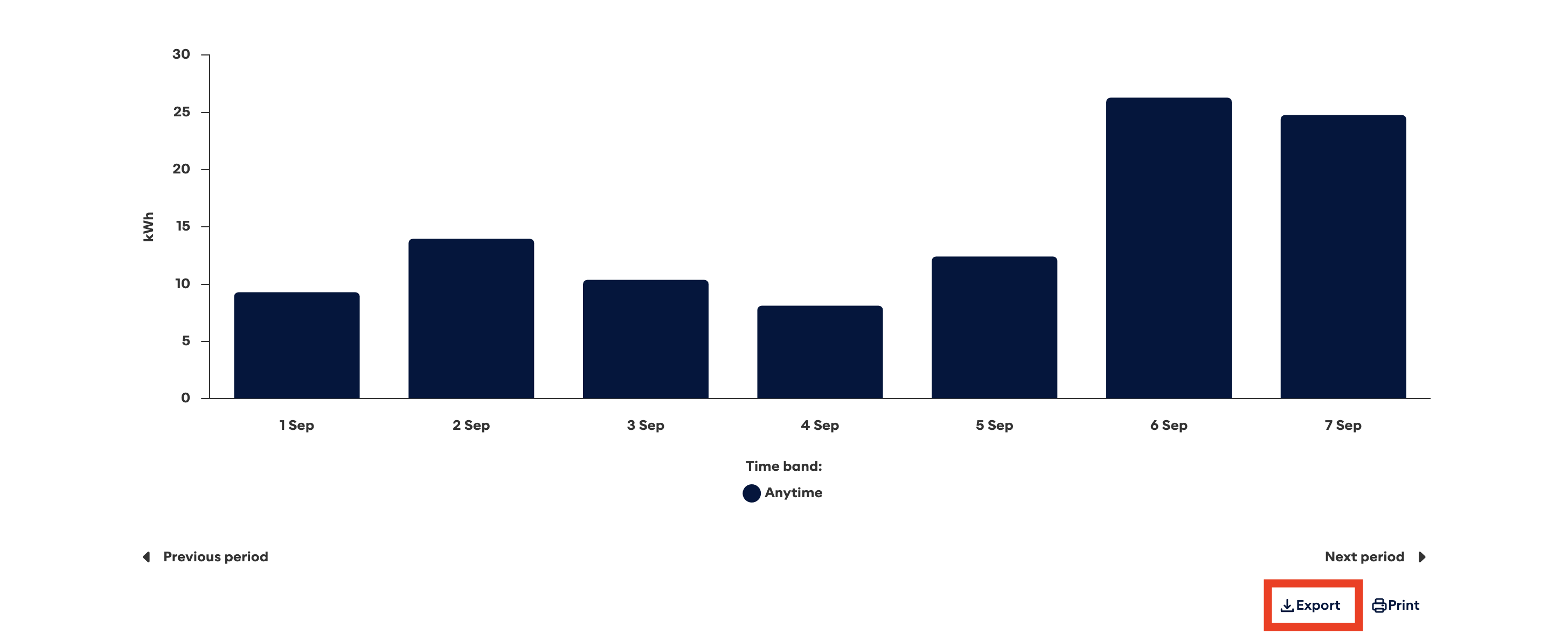
Step 3 — Scroll down and click Export
Scroll to the bottom of the Interval Data page and click the Export button.
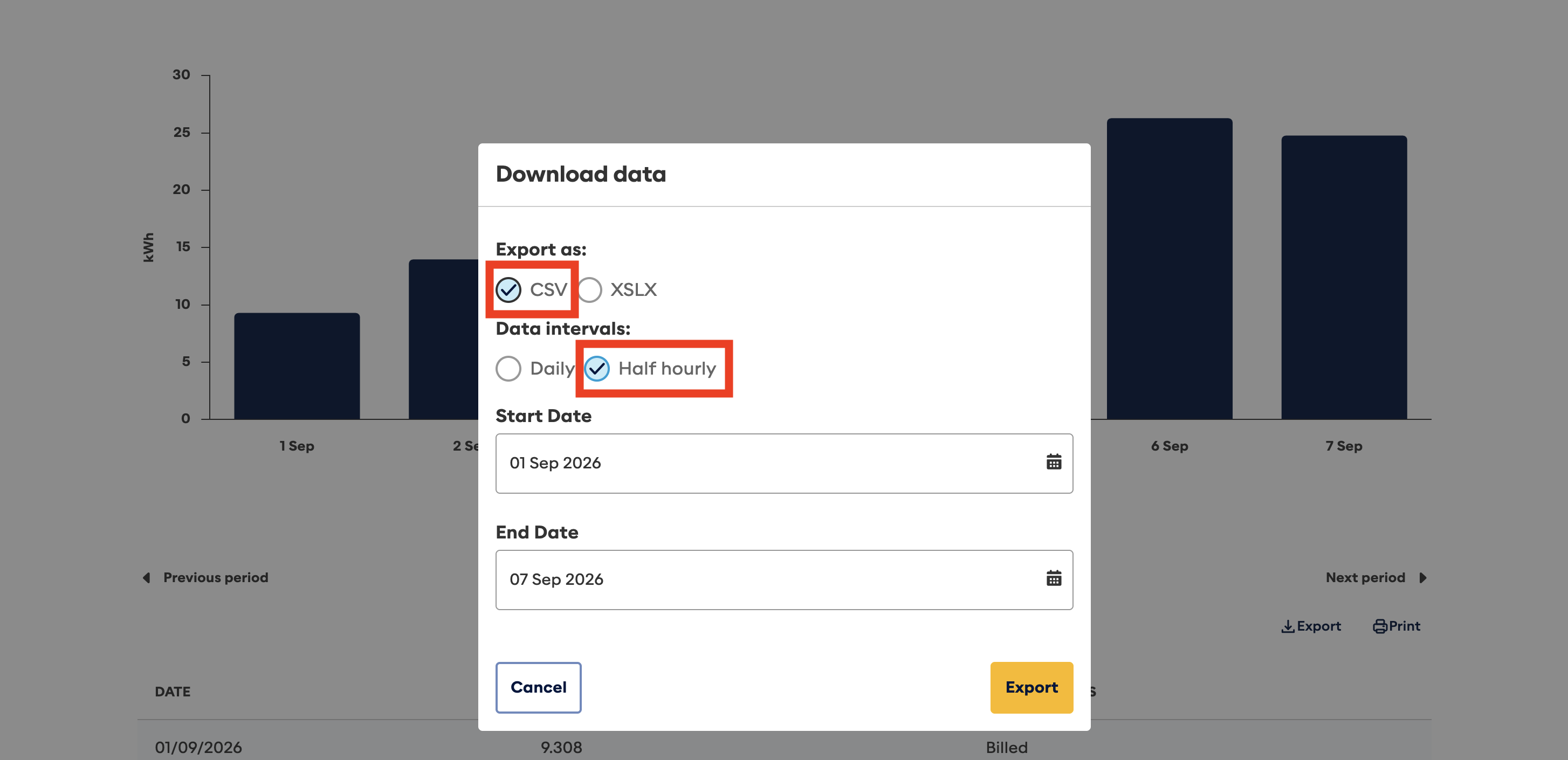
Step 4 — Configure and download
Ensure CSV and Half Hourly are selected. Choose the date range you want to compare, then click Export to download the CSV file to use with this app.